Need to find your iPhone or Galaxy smartphone's IMEI number in 2026? This unique 15-digit identifier is crucial for verifying lost or stolen phones, ensuring safe used phone purchases, and managing device services. This guide breaks down exactly how to check your IMEI on both iPhone and Android devices, including a universal method applicable to all smartphones.
Why is the IMEI Number So Important for iPhones & Galaxies?
The IMEI (International Mobile Equipment Identity) is your smartphone's unique 15-digit serial number, essentially its digital fingerprint. It's vital for several reasons: If your phone is lost or stolen, the IMEI allows carriers to block the device, rendering it unusable. When buying or selling a used phone, checking the IMEI confirms it's not blacklisted and is eligible for carrier services or installment plan checks. It's also required for warranty claims and official repairs with manufacturers like Apple and Samsung. For instance, purchasing a used phone without verifying its IMEI could lead to issues later, like discovering it's been reported lost or stolen. This number is permanently assigned to your device and doesn't change, even after a factory reset.
How to Check Your Galaxy Smartphone's IMEI
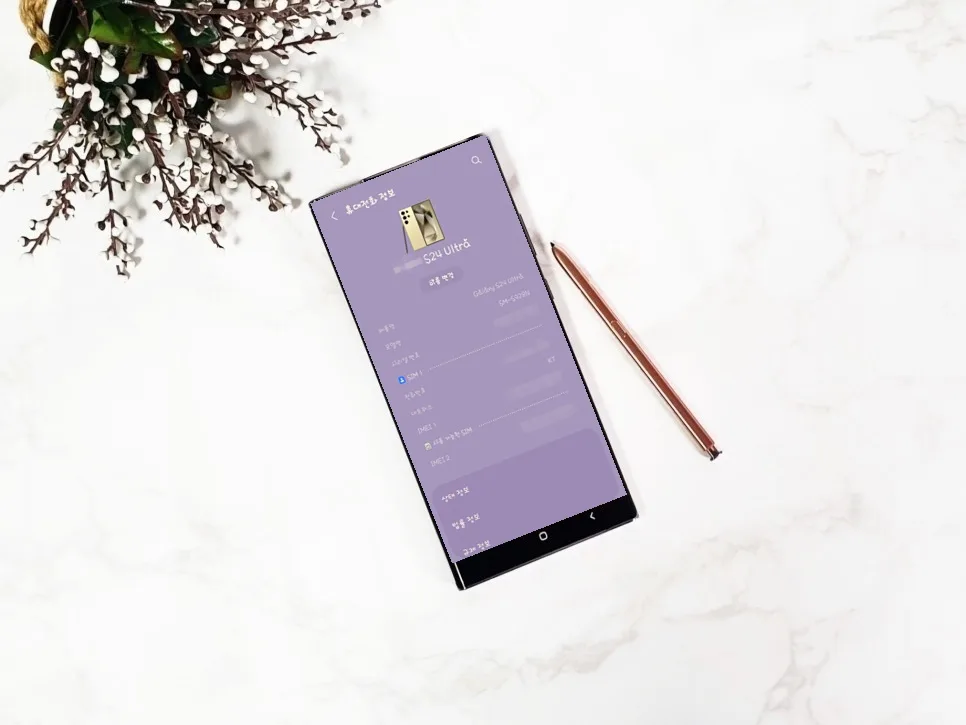
Checking your IMEI on a Samsung Galaxy or other Android device is straightforward. First, open the
How to Find Your iPhone's IMEI Number

For iPhone users, locating your IMEI is just as simple. Navigate to the
The Fastest Way to Check IMEI on Any Phone (iPhone/Galaxy)
Regardless of whether you're using an iPhone or a Galaxy, there's a universal shortcut to quickly access your IMEI. Open the native
Additional Ways to Find Your IMEI & What to Watch Out For
Beyond the settings menu and dialer code, you can often find your IMEI printed on the original retail box your phone came in. Some carriers also provide IMEI information through their online account portals or by contacting customer support directly. In some phone models, the IMEI might even be subtly etched onto the SIM card tray itself. When purchasing a used phone, always ask the seller for the IMEI and verify it yourself using an online blacklist checker or by contacting the carrier. Never share your IMEI publicly, as it's a key piece of personal device information. If your phone is lost or stolen, report it to your carrier immediately with the IMEI to have the service suspended and prevent unauthorized use.
For more details, check the original source below.