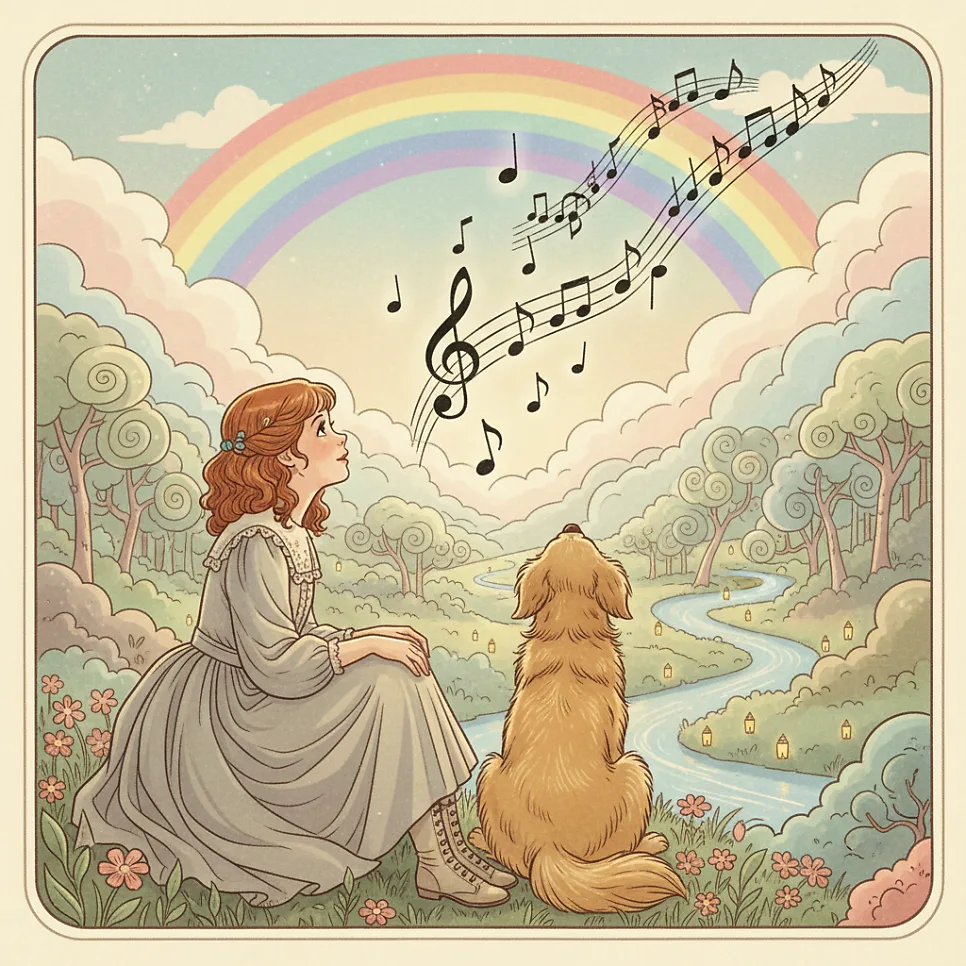
Suno AI Music is an innovative service that allows users to generate original songs instantly from their own lyrics. It offers 5 free song creations per day, with the copyright for these AI-generated tracks belonging to Suno. For commercial use or to secure personal copyright, users should review the terms of paid plans.
How to Write Your Own Song with Suno AI Music?
Recalling a past dream of becoming a lyricist, I first encountered Suno AI Music through my second child's school assignment. While my child initially tried to postpone the project citing a need to research FIFA player costumes, their true intention might have been to fulfill their mother's unfulfilled dream through AI composition. The assignment required creating a music track using self-written lyrics with Suno AI Music. What started as curiosity quickly turned into an enjoyable experience, reigniting my old creative spark. I even imagined becoming a copyright millionaire if I hadn't given up on my dream back then. Suno AI Music supports Korean language input, making it accessible even for those who aren't comfortable with English. Simply click the 'Create' button on the main screen, input your lyrics into the 'Lyrics' field, and specify your desired music genre in the 'Style' field. For instance, inspired by my second child's rebellious phase, I chose a gangster rap style. In a surprisingly short amount of time, a fantastic, personalized song was completed.
How to Utilize Suno AI Music?
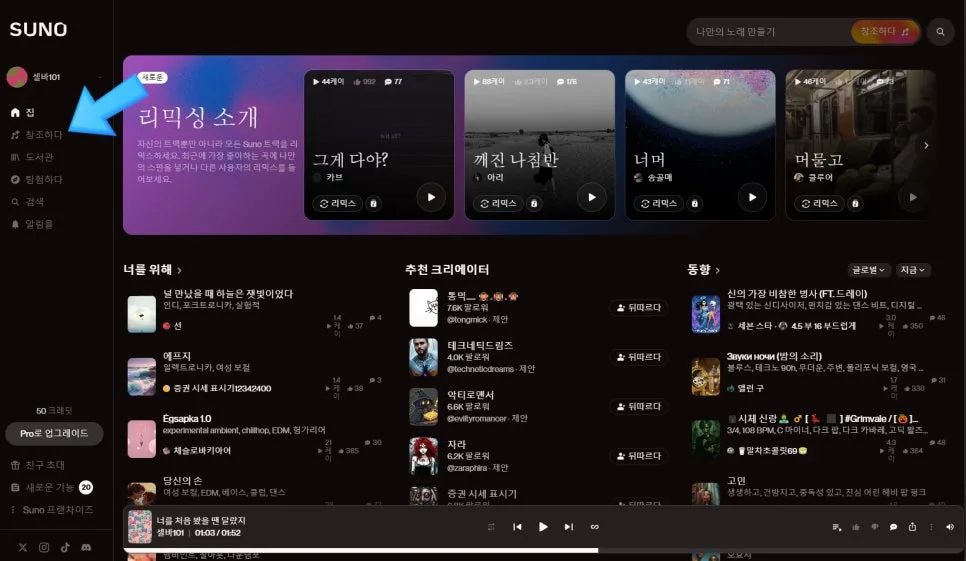
Suno AI Music is more than just an AI composition tool; it's a creative instrument for expressing personal memories and emotions through music. I found joy in changing my family members' ringtones with the songs I created. Recently, I wrote lyrics about befriending a child from a multicultural family, focusing on the theme of 'peace.' This experience highlights how AI technology can amplify our creativity and bring new forms of enjoyment into our daily lives. It's particularly encouraging that Suno AI Music makes it easy for anyone to create and share their own music. It's important to remember that free users are limited to 5 creations per day, and the copyright for generated music belongs to Suno.
Suno AI Music's Advantages and Free Usage Precautions
The primary advantages of Suno AI Music are its user-friendliness and the speed at which it generates results. Anyone can easily create their own songs without needing complex music theory or professional composition skills. The ability to select from various music styles also allows for the realization of music tailored to personal preferences or creative intentions. However, it's crucial to note that free users are limited to 5 uses per day, and the copyright for the generated music belongs to Suno. If you intend to use the music commercially or secure personal copyright, you should consider a paid plan. While it supports personal creative activities, it's essential to review the copyright policies beforehand.
Common Mistakes When Using Suno AI Music
One common mistake first-time users make with Suno AI Music is writing lyrics that are too long or complex. Clear and concise language is important for the AI to effectively interpret the lyrical content and translate it into music. Additionally, failing to specify the desired music style can lead to the AI generating music in a genre different from what was expected. For example, instead of just typing 'exciting music,' it's better to specify 'upbeat dance-pop' or 'lively rock.' Another frequent error is attempting to use the service for free beyond the daily limit when wanting to create more songs. It's best to be aware of the 5-creation-per-day limit and use it strategically.
For more details on using Suno AI Music, check the original source below.