
Unlock Spotify Premium Basic for just $4 per month (or $3 annually) by leveraging Naver Plus Membership, cutting the standard $8.69 monthly fee nearly in half. This guide details how to combine these services for an affordable, ad-free listening experience with added Naver benefits, based on real user experience.
How to Get Spotify Premium Basic for $4 with Naver Plus Membership?
As of November 27, 2025, Naver Plus Membership now includes Spotify Premium Basic as a digital content perk. This allows subscribers to access Spotify for a mere $4 per month, or approximately $3 if you opt for the annual plan. Compared to Spotify Premium Basic's standard price of $8.69 per month, this represents a significant saving, effectively halving the cost. When you factor in the other benefits of Naver Plus Membership, such as discounts and points on Smart Store purchases, the value proposition becomes even more compelling, easily exceeding the $4 monthly subscription fee.
What Are the Benefits and Drawbacks of Spotify Premium Basic?
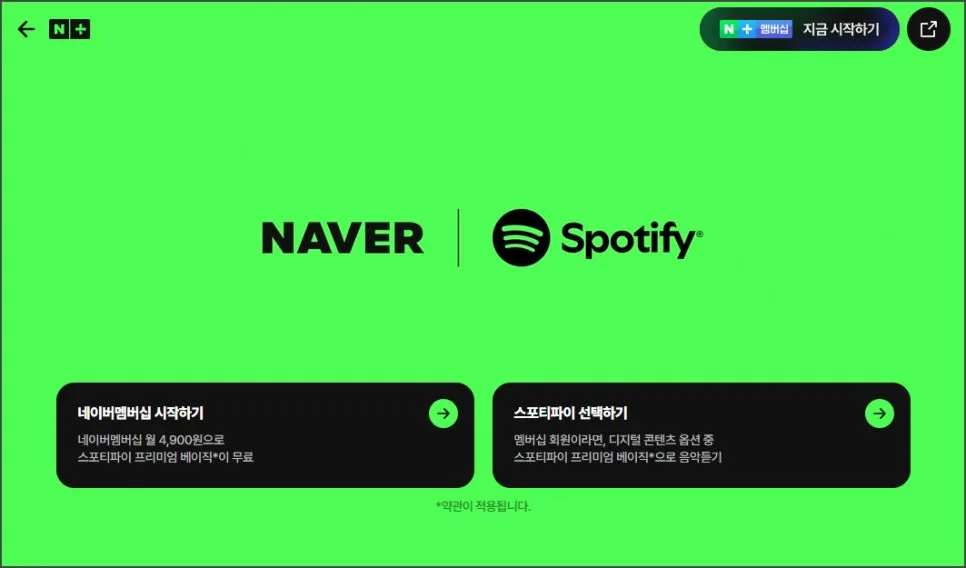
The primary advantage of Spotify Premium Basic is the ad-free listening experience. You can play any song on demand and skip tracks as many times as you like, offering unparalleled control over your music playback. Furthermore, it supports high-fidelity audio up to 320Kbps, ensuring a rich and clear sound quality. However, a notable drawback is the absence of offline download functionality. This means an active internet connection is required to stream music, which might be inconvenient for users who frequently listen in areas with poor or no connectivity. Evaluating your personal listening habits against these features is key to determining if this plan is the right fit for you.
How to Create and Link Your Spotify Account?
To utilize Spotify Premium Basic through Naver Plus Membership, you'll first need a Spotify account. If you don't already have one, creating a new account is straightforward. You can sign up using your email address, or link your existing Google or Apple accounts for quicker registration. During signup, you'll provide basic information like your password, name, birthdate, and gender, and agree to the terms of service. It's important to note that the Spotify account you use doesn't need to be the same one linked to your Naver Plus Membership; you can choose whichever is most convenient for you.
Once your Spotify account is set up, the next step is linking it with your Naver Plus Membership. On a mobile device, open the NAVER app or use a mobile web browser, tap your profile icon, and select 'N + Membership'. On a PC, log in to your Naver account, click on your nickname, and then select 'N + Membership'. Within the membership screen, navigate to the 'Digital Content Benefits' tab and choose Spotify Premium Basic. Follow the prompts to link your Spotify account to complete the process.
What to Consider Before Linking Your Accounts?
Before finalizing the link between your Naver Plus Membership and Spotify account, it's crucial to be aware of a few important details. Once you have successfully linked your Spotify account to your Naver Plus Membership, you will no longer be able to cancel your Naver Membership subscription. This means that the decision to link the accounts should be made carefully, as it is a commitment. Ensure that you are satisfied with the Naver Plus Membership benefits and understand the implications before proceeding with the integration. This policy is in place to prevent potential abuse of the subscription and discount offers.