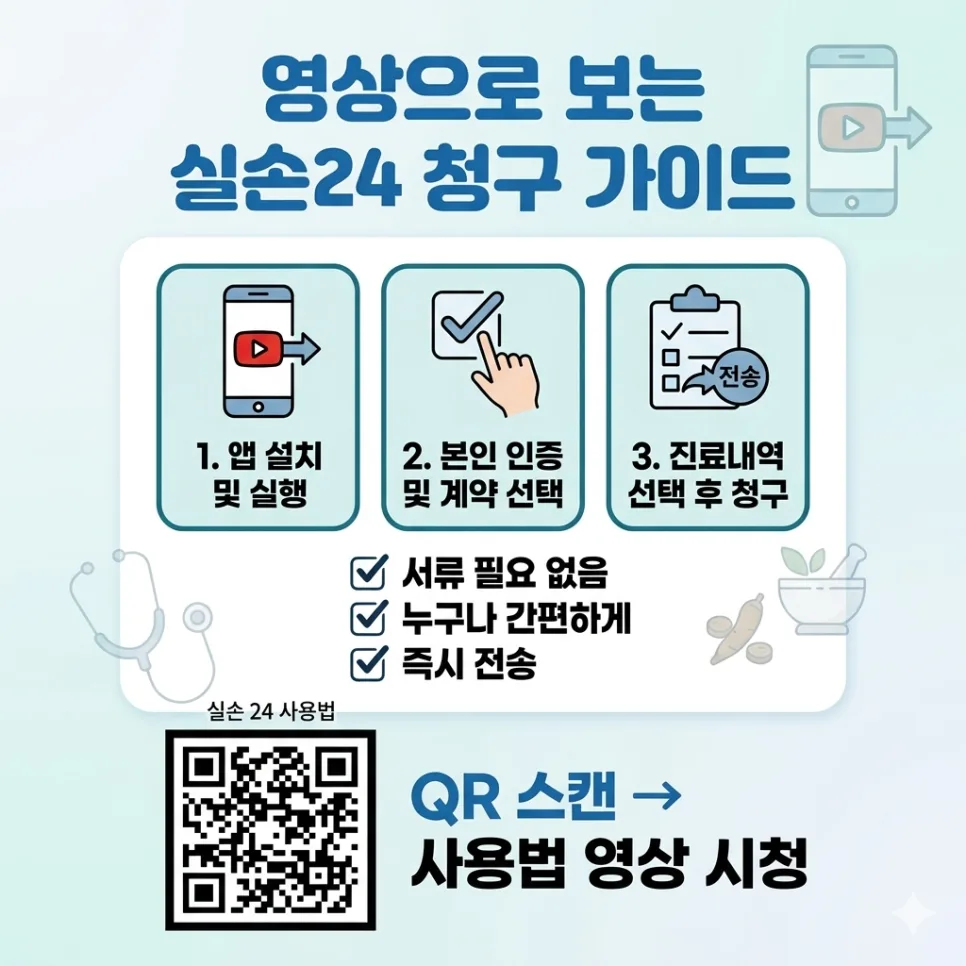
Filing for Korean health insurance reimbursements can be a hassle, but the Silson24 app simplifies the process, allowing you to complete claims in just one minute. This is especially convenient for traditional Korean medicine (Hanbang) treatments, which can now be claimed directly without needing to visit a clinic or submit extensive paperwork.
Why Use the Silson24 App for Korean Health Insurance Claims?
In the past, claiming reimbursement for Hanbang treatments involved getting paperwork directly from the clinic and submitting it to the insurance company, which was often inconvenient. Now, with the Silson24 app, you can easily file claims anytime, anywhere. Simply use your smartphone to authenticate and complete a few clicks to send your treatment details to the insurer, saving significant time and effort. This app offers an optimized solution, particularly for busy individuals in Korea.
How to File a Claim with Silson24 App in 3 Steps
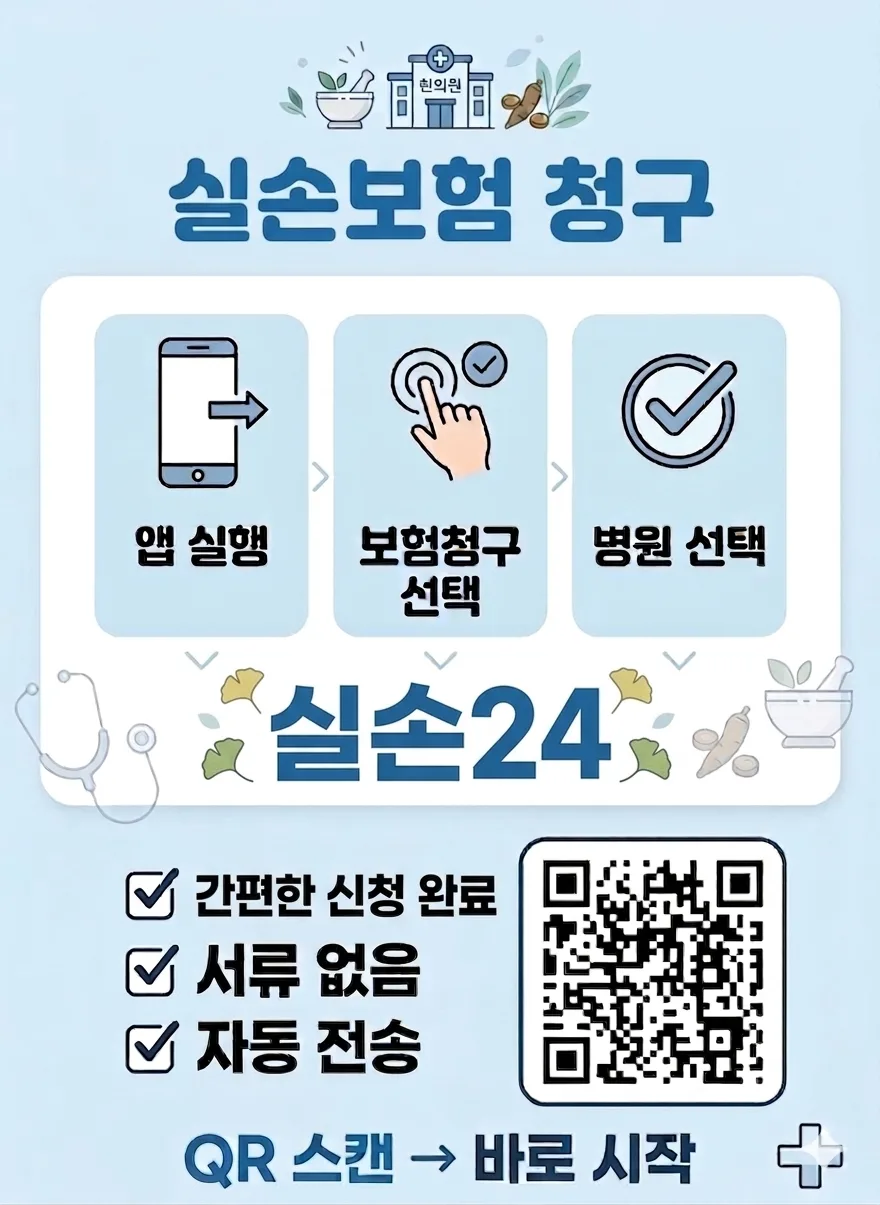
Claiming insurance with the Silson24 app is straightforward. First, search for and download the 'Silson24' app from the App Store or Google Play, then sign up or log in. Second, on the main screen, select the 'Claim Insurance' menu, choose 'New Claim,' search for the clinic you visited, and select it. Finally, check the treatment details you wish to claim, enter your bank account information for reimbursement, and press 'Submit Claim.' This entire process is completed in just three steps, making it easy for anyone to follow.
Tips and Precautions for Using the Silson24 App
Here are some tips for using the Silson24 app more effectively. First, because the app is linked with clinic systems, you don't need to take photos of receipts. Second, the 'Proxy Claim' feature allows you to file claims for family members like children or parents, which is very useful for those who have difficulty using smartphones. Third, filing immediately after your clinic visit ensures you don't forget. However, some insurance plans or claim amounts may require additional documents like a doctor's note. Even in these cases, you can easily submit extra documents by taking photos within the app. The exact procedure may vary slightly depending on your specific insurance plan and claim, so it's advisable to carefully review the in-app instructions.
Common Mistakes When Filing Health Insurance Claims
The most common mistakes when filing for health insurance reimbursement include missing necessary documents or entering incorrect information. Many people often forget essential documents like the treatment receipt and detailed statement. It's also crucial to double-check that the claimed amount matches the actual expenses. While the Silson24 app reduces these inconveniences, it's still recommended to familiarize yourself with your insurance policy terms before filing. Coverage limits and deductible percentages can differ between insurance companies, so developing a habit of checking your policy beforehand is important. If you encounter difficulties during the claims process, contacting the insurance company's call center or the Silson24 app's customer support is the best course of action.
English crawl path
Next English reads from this pilot cluster
Continue through the category hub, latest English stories, and related posts so this translated article is not an isolated URL.
Tags
💬Frequently Asked Questions
What should I check first in Streamline Korean Health Insurance Claims with Silson24 App (2026)?
Does this Finance article link back to the Korean source?
Where can I find similar English stories?
English discovery path
Explore more English K-culture stories
Keep browsing the indexed English pilot cluster so Google and readers can move between this story, the category hub, and fresh discovery pages.
Original Source
Read the Korean original