Can you get a Korean Seal Certificate (Inkam) online in 2026? Yes, if you have already registered your seal, you can download it for free via the Government24 website. New users must register their seal in person at a community center first. This guide explains the process and costs for US residents interested in Korean documentation.
What is a Korean Seal Certificate (Inkam)?
In Korea, a registered seal, known as an 'Inkam' (인감), functions similarly to a notarized signature in the US. It's used for significant legal and financial transactions, such as real estate purchases, loan applications, and business contracts. Historically, obtaining an official Seal Certificate (Inkam Jeungmyeongseo, 인감증명서) required a visit to a local community center (주민센터) or government office. However, with advancements in digital services, the Korean government now allows for online issuance through the Government24 portal. This digital option is available for individuals who have already registered their personal seal. While the online certificate is free, obtaining one in person at a community center incurs a small fee of approximately $0.50 USD. For those with a printer at home, registering the seal first and then printing the certificate online offers a cost-effective solution.
How to Register Your Seal and Get the Certificate Online (2026)
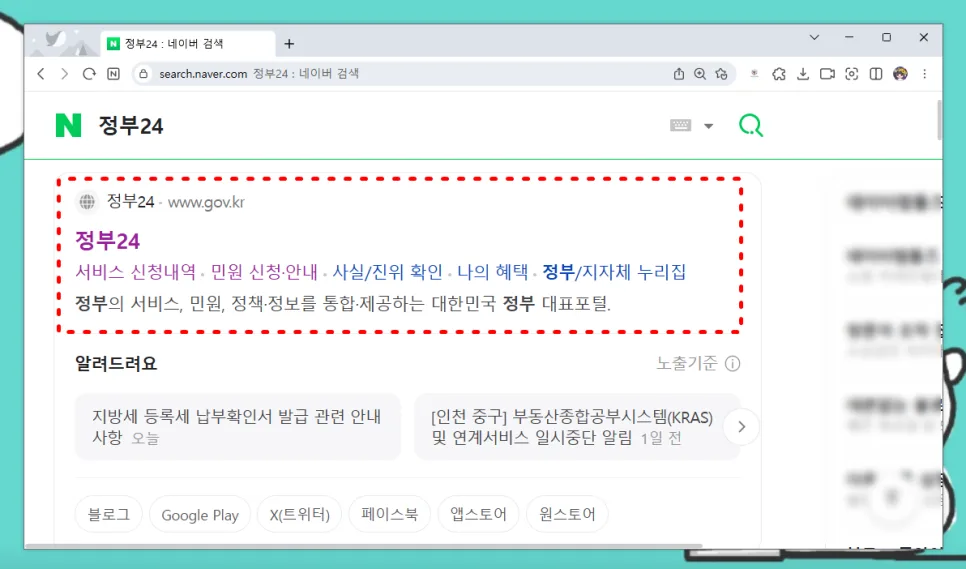
To obtain your Korean Seal Certificate online, start by visiting the Government24 website on a PC. Navigate to 'Civil Services' (민원서비스) from the top menu, then select 'Civil Service Application/Guidance' (민원 신청·안내). Search for 'Inkam Jeungmyeongseo' (인감증명서) and click on 'Inkam Jeungmyeongseo Application' (인감증명서 발급 신청). You'll need to log in as a registered user or proceed as a guest. For a smoother process, it's recommended to use a joint certificate (공동인증서) or financial certificate (금융인증서) for identity verification. After authentication, you'll enter your details, including your name and resident registration number, which may auto-fill. Confirm your address and proceed to 'Search Applicant' (대상자 조회). If your seal is already registered, you'll be prompted to enter your phone number for verification, specify the purpose of the certificate, and the recipient. Finally, click 'Apply' (신청하기). This entire process requires a PC with a connected printer.
Important Considerations for New Seal Registration and Issuance
If you haven't registered your personal seal in Korea yet, you cannot apply for the Seal Certificate online. You must visit a local community center (주민센터) in person. Bring a valid photo ID (like a US passport or driver's license) and the seal you intend to use. Once your seal is officially registered, you can then proceed with online applications. Remember, while the online certificate is free, the in-person issuance at a community center costs about 600 KRW (roughly $0.50 USD). If you have a printer at home, registering your seal first and then printing the PDF certificate online is the most economical approach. Also, note that stamp-type seals with automatic ink pads are not accepted as official registered seals. While some community centers may accept mobile identification apps, it's best to carry your physical ID to avoid potential delays.
Saving and Printing Your Korean Seal Certificate (PDF)
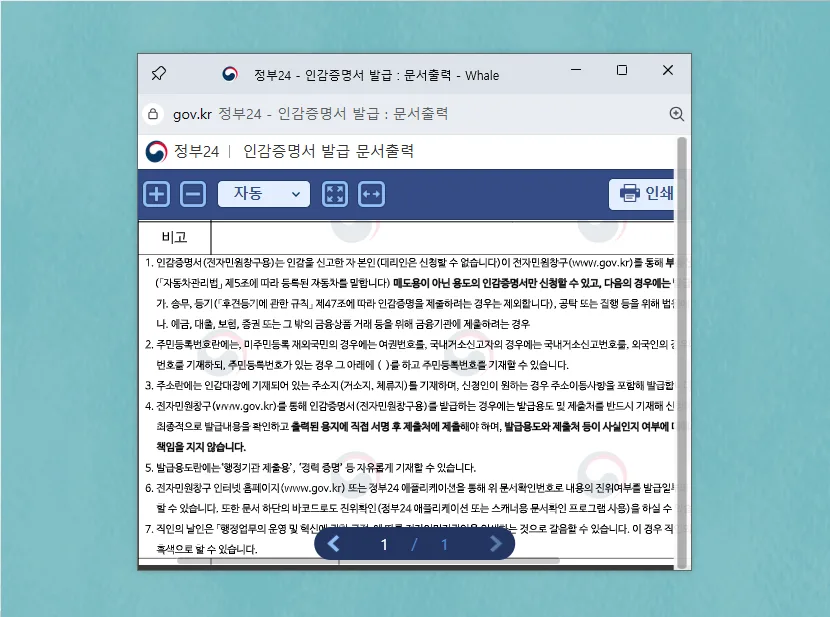
Once your online application for the Seal Certificate is approved, you can access it through the 'MyGOV' section on the Government24 website. Select 'Document Printing' (문서출력) and then click the 'Print' button, usually located in the upper right corner of the screen. You can then choose to print the certificate directly or save it as a PDF file for future use. This PDF can be printed later if needed.